How to Build High-Converting Funnels Using GoHighLevel
1. Understand Your Funnel Goal
Before creating a funnel, define your goal clearly. Are you aiming to:
Collect leads?
Sell a product or service?
Book appointments or consultations?
Your funnel design, content, and automation will depend on this goal.
2. Plan Your Funnel Steps
A typical high-converting funnel includes:
Landing Page / Lead Capture Page – Collects visitor information.
Thank You / Confirmation Page – Confirms the action and can upsell or cross-sell.
Email / SMS Follow-Up – Nurtures leads automatically.
Offer / Sales Page – Where your visitor makes a purchase or books a call.
Map out each step before designing it in GHL.
3. Build Your Funnel in GoHighLevel
Login to GHL → Marketing → Funnels & Websites → Funnels
Click “Create Funnel” → Name your funnel → Choose Start from Scratch or a Template.
Add Funnel Steps – Each step corresponds to a landing page, sales page, or thank-you page.
Use GHL drag-and-drop editor to design your pages:
Add headline, subheadline, call-to-action buttons, and opt-in forms.
Use high-quality images or videos to increase engagement.
Keep forms simple (name + email is usually enough).
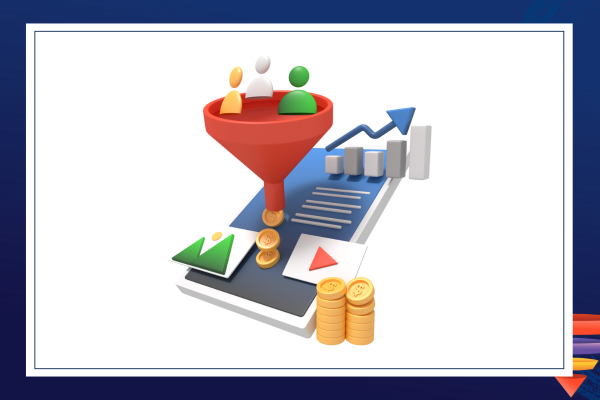
4. Connect Your CRM & Automations
GoHighLevel shines because of its built-in CRM and automation.
Set up automations for your funnel:
Email/SMS follow-ups for leads who opt in.
Tagging and segmentation based on user actions.
Appointment reminders if the goal is bookings.
This ensures leads are nurtured and conversions increase automatically.
5. Add Conversion Boosters
High-converting funnels often include:
Social proof (testimonials, reviews)
Scarcity/Urgency (limited offers, countdown timers)
Clear CTA buttons that stand out
Exit-intent pop-ups to capture leaving visitors
GHL allows you to add these easily with their elements in the funnel builder.
6. Test & Optimize
A/B Testing: Test different headlines, CTA buttons, images, and copy.
Analytics: Use GHL funnel analytics to track:
Page views
Opt-ins
Click-throughs
Conversions
Iterate based on data — small changes can significantly improve conversion rates.
7. Integrate Payment or Booking
If selling a product or service, connect your payment gateways (Stripe, PayPal, etc.) in GHL.
For appointments, use GHL Calendars to allow leads to schedule instantly.
Pro Tips for High Conversion
Keep forms and checkout simple; reduce friction.
Use personalized messaging based on user behavior.
Include retargeting emails or SMS for people who don’t complete the funnel.
Mobile-first design is critical — most users visit via mobile devices.
Conclusion
Building a high-converting funnel in GoHighLevel is all about planning your funnel steps, designing compelling pages, automating follow-ups, testing, and optimizing. With GHL’s drag-and-drop editor, automation, and CRM integration, you can create funnels that convert without relying on multiple tools.